WordPress Toolkit
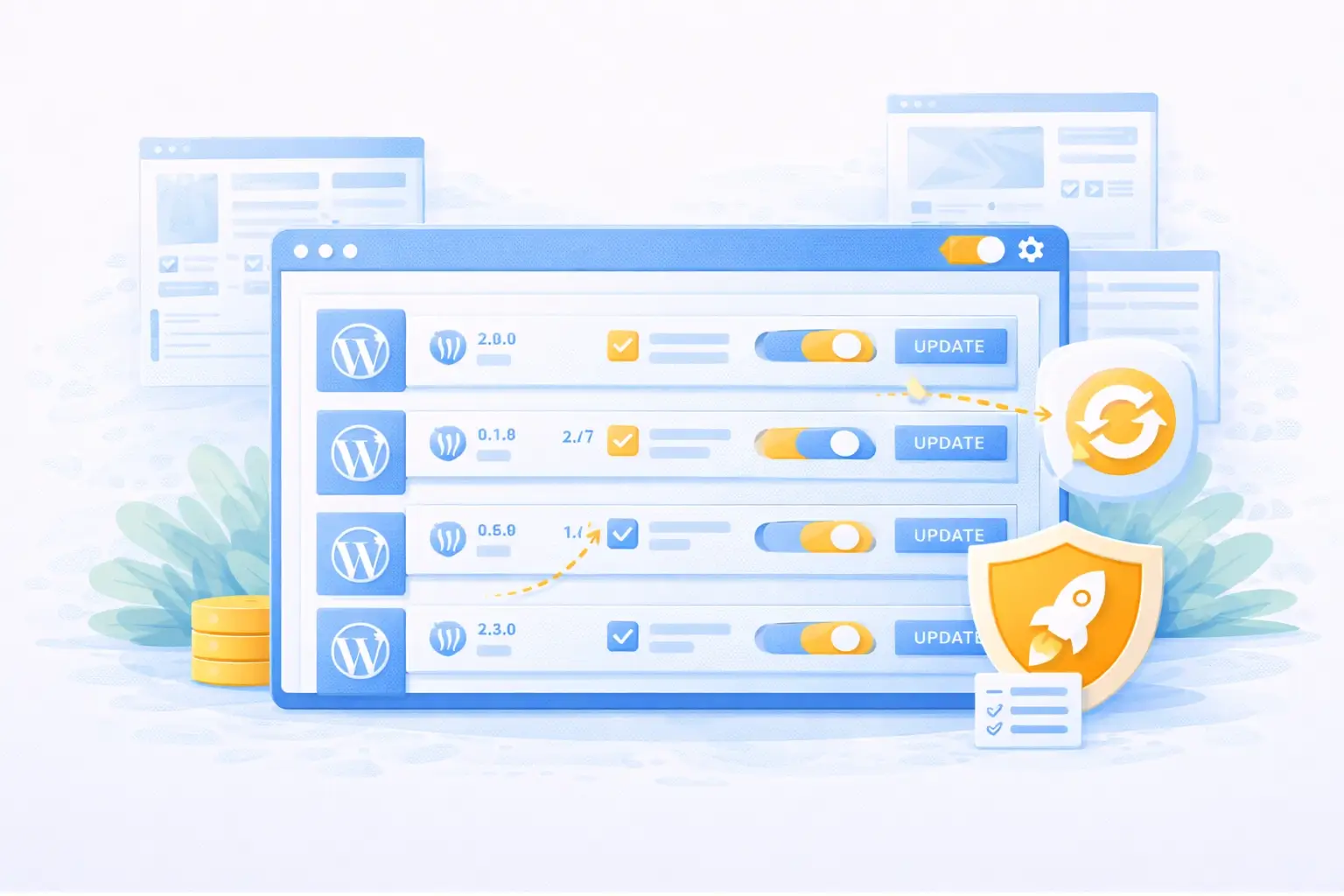
WordPress Toolkit overview in Plesk

Manage WordPress the right way — included as standard

WordPress Toolkit is built into Plesk and gives you full control over your WordPress installations. Updates, staging, security and cloning — all from one overview, without logging in separately.

Included with
WordPress Hosting
  • Included as standard — no extra costs or tools
  • Manage all your sites from Plesk — in one place
  • From installation to updates — no technical knowledge needed

Why WordPress Toolkit changes the way you manage your website

WordPress Toolkit is included as standard with every WordPress Hosting package — these are the benefits you will notice straight away.

One overview for all your sites

Do you manage multiple WordPress installations? WordPress Toolkit brings them all together in one place. Roll out updates, adjust settings or remove an installation — without logging into each site separately.

Updates with one click — safe and controlled

WordPress Toolkit notifies you when updates are available for WordPress itself, your themes or plugins. Roll them out when it suits you — for one site or several at once — and always stay in control.

Test without risk using staging

Want to try a new plugin or test a redesign? Create a staging environment with one click. You work on a copy of your live site — and only push changes live when you are satisfied.

Security issues at a glance

WordPress Toolkit scans your installations for known security issues and outdated components. You can see immediately where action is needed — and resolve problems before they cause damage.

A new site set up in minutes

Install WordPress directly from Plesk, without manual steps. Choose your settings, enter a name and WordPress Toolkit does the rest. Ideal if you regularly create new sites.

Clone for migrations and new projects

Create an exact copy of an existing WordPress installation — useful for migrations, starting a similar project or as a ready-made starting point for a new client.

A closer look at WordPress Toolkit

WordPress Toolkit offers more than an overview. Discover how staging, security and management at scale take your WordPress Hosting to the next level.
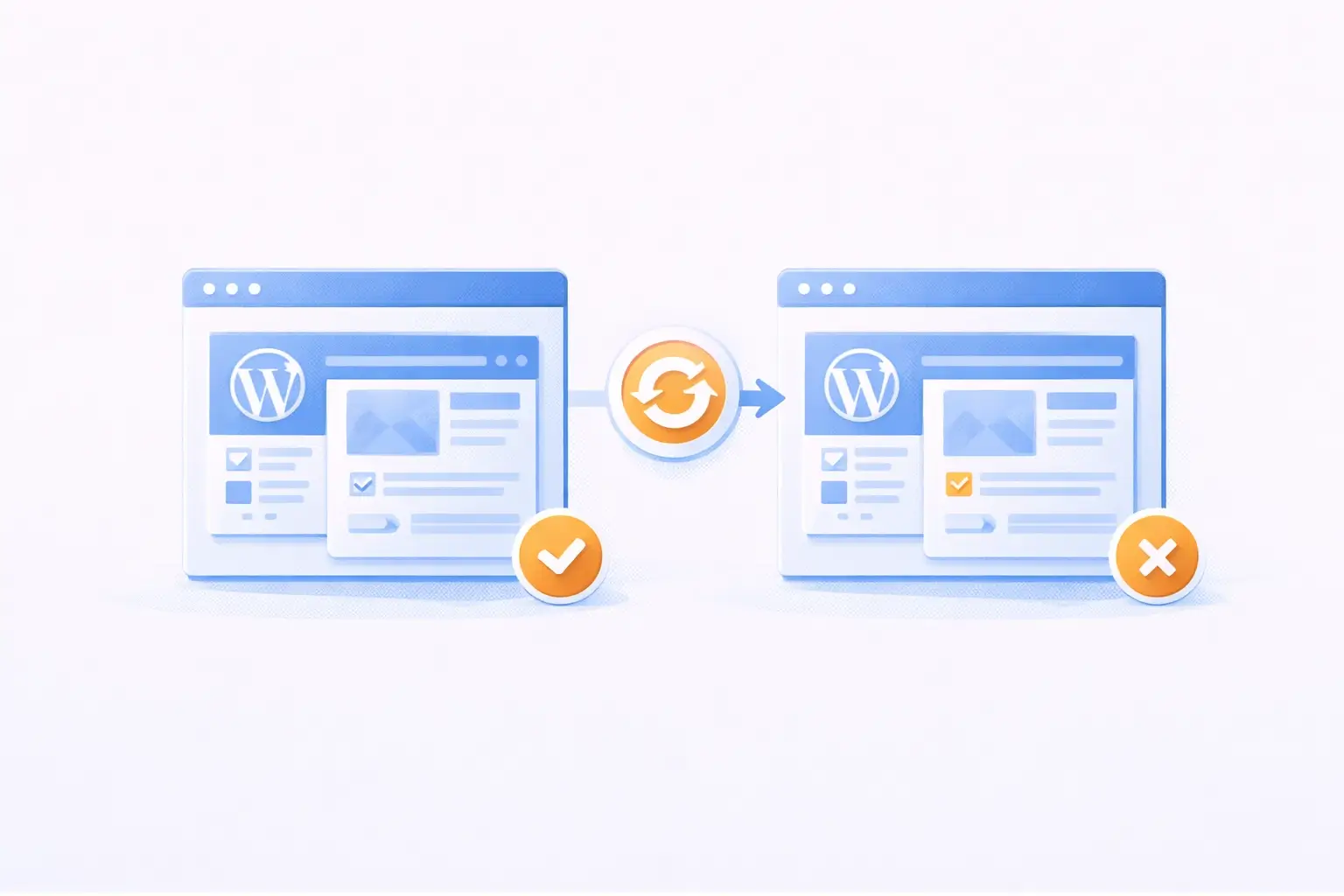
Creating a staging environment via WordPress Toolkit in Plesk

Test changes without touching your live site

With WordPress Toolkit you create a complete copy of your live site as a staging environment with one click. Test new plugins, theme updates or changes to your website in an identical environment — with no risk to your visitors or your data.

Happy with the result? Push the changes live with one click. Not satisfied? Delete the staging environment and your live site remains untouched. This makes testing accessible to everyone — even without a technical background.

Staging is available as standard via WordPress Toolkit with all our WordPress Hosting packages. No separate environment to configure, no FTP, no manual copying — everything is available directly from Plesk.
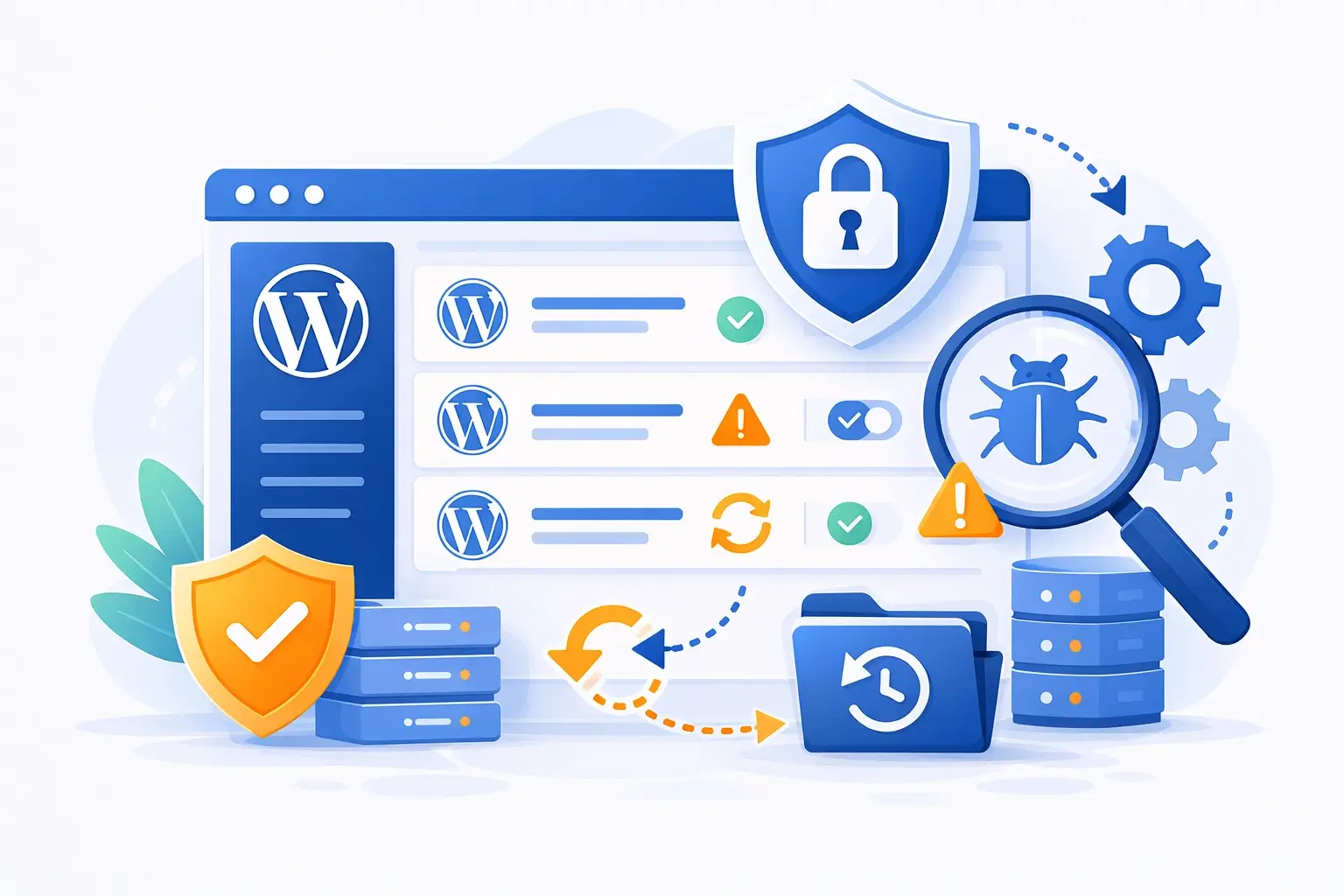
Security scan of WordPress installations via WordPress Toolkit

See security issues before they cause damage

WordPress Toolkit scans your installations for security issues — such as outdated plugins, themes with vulnerabilities or WordPress versions that are no longer supported. You can see the status of each installation at a glance and know immediately where action is required.

Resolve issues from the same screen: update a plugin, disable a vulnerable theme or restore modified core files to their original state. You do not need to log into your WordPress dashboard to do this.

For anyone managing multiple WordPress sites, this is particularly valuable. Instead of checking each site individually, you can see at a glance whether all installations are secure and fully up to date. To use this as standard, choose WordPress Hosting.
Overview of multiple WordPress installations in WordPress Toolkit

Manage multiple WordPress sites as one

Anyone managing more than one WordPress site knows how time-consuming it is to keep each one up to date individually. WordPress Toolkit brings all your installations together in one overview — with real-time insight into versions, update status and active plugins.

Roll out updates when it suits you — for one installation or several at once. You choose whether to update automatically or prefer to check manually. This keeps you in control, without it costing you time.

WordPress Toolkit is included as standard with our WordPress Hosting packages and works directly alongside Plesk. No extra subscription, no external tool — simply part of your hosting environment.

Frequently asked questions about WordPress Toolkit

Below you will find answers to frequently asked questions about WordPress Toolkit with our WordPress Hosting packages. Can't find what you are looking for? We are happy to help.

Yes, WordPress Toolkit is included as standard with all our WordPress Hosting packages. There is nothing extra to order or configure — WordPress Toolkit is available directly via Plesk as soon as your package is active.

Yes, even with a single WordPress installation you get full use of everything WordPress Toolkit has to offer. Manage your updates, create a staging environment, check your security and install WordPress — all from Plesk, without logging into your WordPress dashboard.

A staging environment is an exact but isolated copy of your live site. Changes you make in the staging environment — such as installing a plugin or adjusting a theme — are not visible to your visitors. Only when you are satisfied do you push the changes live with one click.

This lets you test safely without any risk to your live site or your visitors.

WordPress Toolkit scans your installations for known security issues, including outdated plugins and themes, modified WordPress core files and versions that are no longer supported. You can see the status of each installation directly in the overview.

Issues can be resolved from the same screen — without logging into your WordPress dashboard separately.

Yes, WordPress Toolkit lets you run updates for WordPress itself, themes and plugins automatically. You configure per installation whether and when updates are applied automatically. Prefer to stay in control yourself? Choose manual updates and roll them out when it suits you.

WordPress Toolkit is part of Plesk and therefore included as standard with our WordPress Hosting packages. Web Hosting and Reseller Hosting use DirectAdmin as the control panel — WordPress Toolkit is not available there. If you want to use WordPress Toolkit, a WordPress Hosting package is the right choice.
Get started with WordPress Toolkit

WordPress Toolkit included — choose the package that suits you

WordPress Toolkit is included as standard with all our WordPress Hosting packages. Choose your package or get in touch if you are not sure.

View our WordPress Hosting packages

All packages include WordPress Toolkit, Plesk and personal support.

WordPress Toolkit included as standard Staging, security and updates from Plesk Personal support — available around the clock