Microsoft 365

Email, Office and collaboration in one package

With Microsoft 365 you email from your own domain name and collaborate via Teams, OneDrive and Office. We handle the installation, configuration and personal support.

Included as standard
Get started with Microsoft 365 straight away
  • Installation and configuration included
  • Email from your own domain name
  • Personal support from xYnta
Microsoft 365 packages

Choose your Microsoft 365 package

Compare Exchange Online 1, Business Basic and Business Standard on storage, apps and access level.

Available for existing customers

Microsoft 365 is only available as an add-on to an existing domain, hosting or server package with xYnta. It is not offered as a standalone service.

Microsoft 365

Exchange Online 1

Professional email from your own domain name, without extra apps.

6.99/ month

Storage & email

  • 1 email address (via own domain name)
  • 50 GB email storage
  • No OneDrive storage
Microsoft 365

Business Standard

Everything in Basic, plus installable Office apps on up to 5 devices.

15.99/ month

Storage & email

  • 1 email address (via own domain name)
  • 50 GB email storage
  • 1 TB OneDrive storage

What is included in your Microsoft 365 package?

From professional email to collaboration in Teams and working with Office apps — Microsoft 365 brings everything together in one subscription.

Professional email address

Email via your own domain name, with 50 GB mailbox storage per user. Managed via Outlook on the web — accessible on any device.

Online calendar and contacts

Schedule appointments, share calendars and manage contacts via Outlook. Everything synchronised across your computer, tablet and phone.

Collaboration via Teams

Chat, meet and share files with colleagues via Microsoft Teams. Available in Business Basic and Business Standard.

OneDrive cloud storage

1 TB of storage per user in OneDrive. Files are automatically available across all your devices. Included from Business Basic.

Office apps web and desktop

Word, Excel, PowerPoint and more — in the browser with Business Basic, as installable desktop apps with Business Standard.

Installation and support

We handle the installation and connection of your domain name. If you run into anything, our team is ready to help.

Customer experiences

What customers say about us

Real experiences from teams and entrepreneurs who value speed, support, and stability.

Average rating

4.8 /5

Average customer rating

125+ reviews

Microsoft 365 via xYnta

Does it matter where you get Microsoft 365? More than you might think.

Microsoft 365 support by xYnta

Not just a licence — the full setup too

Ordering Microsoft 365 directly from Microsoft is possible, but then you handle the installation, domain connection and email configuration yourself. That takes time — and if something goes wrong, you are on your own.

We take care of the entire setup for you. From activating the licence to connecting your own domain name and configuring your email address. You do not need any technical knowledge; we make sure everything works from day one.

If you run into anything afterwards, our team is available for all your questions — personally, without queues and without being redirected to a general help centre. That is the difference between buying a licence through a large platform and working with us.
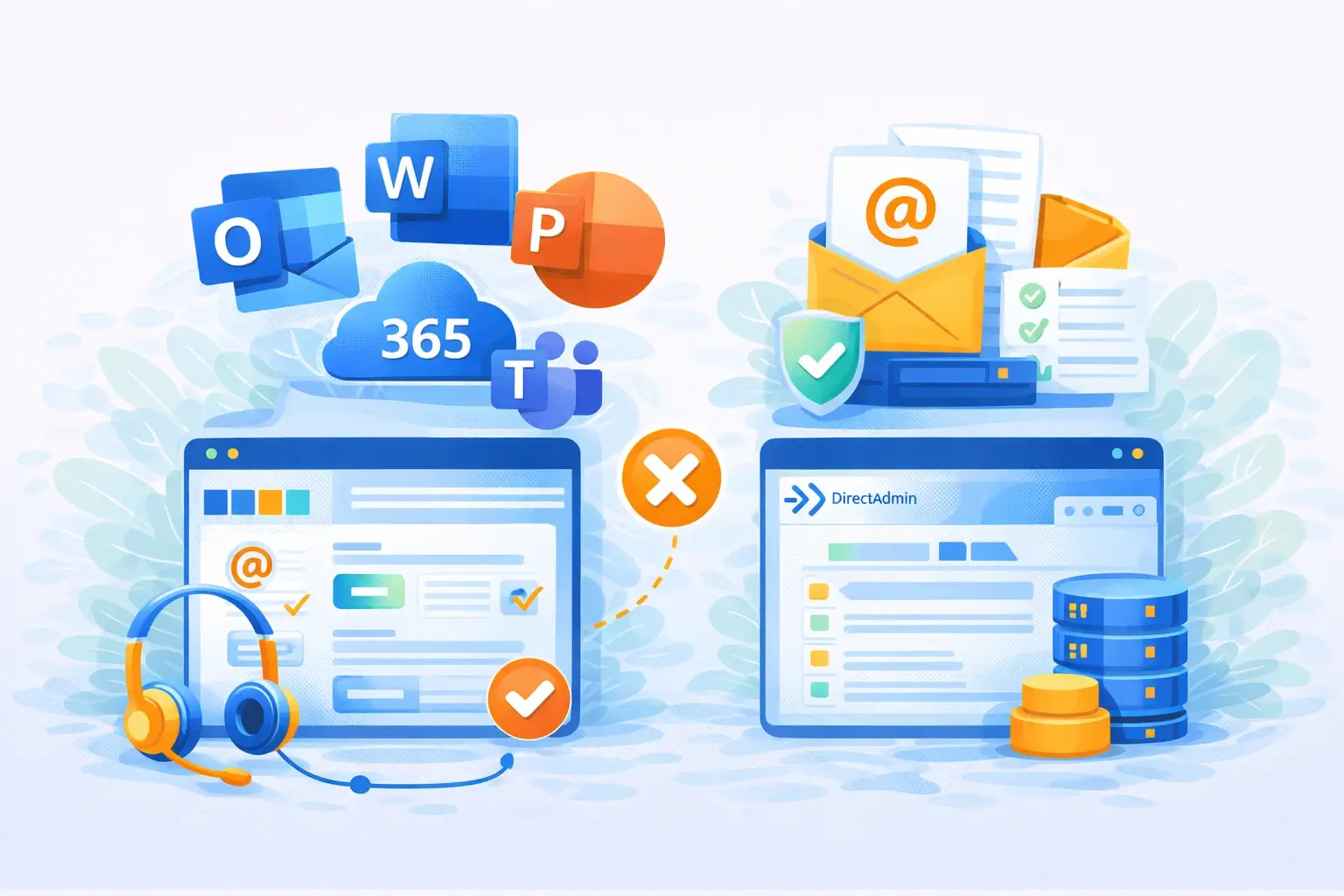
Email Hosting as an alternative to Microsoft 365

Microsoft 365 is not always the best choice

Do you only need a professional email address — without Teams, OneDrive or Office apps? Then with Microsoft 365 you are paying for features you do not use. Our Email Hosting is a better choice in that case.

With Email Hosting you email from your own domain name, manage your mailbox via DirectAdmin and pay only for what you actually use. Packages start from just €1.50 per month.

Microsoft 365 is at its best when you have multiple people in your organisation who want to collaborate, share files via OneDrive or install Office apps on their computers. Not sure? Get in touch — we are happy to help you decide.
View Email Hosting
Combining web hosting with Microsoft 365

Combine Microsoft 365 with a hosting package

We only offer Microsoft 365 as an add-on to an existing domain, hosting or server package with xYnta. It is not a standalone service — and that is intentional. This way we can fully manage the configuration of your domain name and email, without you having to deal with multiple parties.

Do not have a hosting package yet? Take a look at our Web Hosting packages. With these you host your website, and can immediately add Microsoft 365 for professional email and collaboration. All domain settings are configured by us — you do not need to worry about that.

Not sure yet which package suits you? Use our hosting guide or get in touch with us.
View Web Hosting

Frequently asked questions about Microsoft 365

Is your question not listed? Feel free to get in touch with us.

Yes. Once you connect your domain name to Microsoft 365, all email addresses on that domain are processed through Microsoft 365. You then need a separate package for each email address — these do not all have to be the same package.

Do you have multiple addresses but do not want to link them all to separate mailboxes? You can create email aliases per package, so email sent to different addresses all arrives in one mailbox. Contact us if you would like to know what is most practical for your situation.

A domain name is not required. Without a linked domain you receive a subdomain on onmicrosoft.com, which gives you access to your Microsoft 365 environment.

If you want to send email from your own domain name — such as name@yourcompany.com — we will connect your domain for free. A domain name is not included with our packages, but can easily be ordered separately via our website.

All three packages include a professional email address with 50 GB mailbox storage and access to Outlook on the web. The difference lies in the additional apps, collaboration features and the way you can use Office apps — in the browser or as an installed application.

Exchange Online 1 is purely for email — without Teams, OneDrive or Office apps. Business Basic adds Teams, 1 TB OneDrive and the web versions of Word, Excel and PowerPoint. Business Standard includes everything in Basic, plus installable desktop apps on up to 5 devices. See the comparison table for an overview.

A web app runs entirely in your browser and requires an active internet connection. You install nothing on your computer and can use it on any device. A desktop app is installed on your computer and also works without an internet connection.

Exchange Online 1 and Business Basic offer web apps only. With Business Standard you can install Outlook, Word, Excel and PowerPoint on your computer.

The licence costs are slightly higher because we handle the installation, configuration and domain connection for you — and personally support you afterwards. With Microsoft directly, you arrange all of that yourself, and for questions you are referred to their general help centre.

Microsoft 365 is also only available from us as an add-on to an existing package, which allows us to fully manage the technical setup on your behalf. Do you have questions about the costs or would you like to know whether Microsoft 365 is the right choice for you? Get in touch with us.

Yes, that is possible. We offer an email migration to Microsoft 365 in which your existing email, including folders and contacts, is transferred to your new mailbox. Is your email currently hosted at xYnta? Then we do this free of charge. If your email is hosted elsewhere, we charge € 15 excl. VAT per email address as a one-time fee.

Contact us for more information or to request a migration.
Comparison

Compare Exchange Online 1, Business Basic and Business Standard

All core specifications side by side so you can quickly choose the right package.

Exchange Online 1
6.99 / month Email only
Business Standard
15.99 / month Complete package
Email & OneDrive Storage and basic provisions
Feature
Exchange Online 1 6.99 / month Email only
Most popular Business Basic 8.99 / month Email + apps (web)
Business Standard 15.99 / month Complete package
Email addresses
1 1
Email storage
50 GB 50 GB
OneDrive
No Yes
OneDrive storage
1 TB
Spam filter
Yes Yes
Online calendar
Yes Yes
Online tasks
Yes Yes
Online contacts
Yes Yes
Microsoft 365 apps Available applications per package
Feature
Exchange Online 1 6.99 / month Email only
Most popular Business Basic 8.99 / month Email + apps (web)
Business Standard 15.99 / month Complete package
Included apps
App access
Web only Web + desktop
Full desktop Office apps
No Yes
Installations per licence
5 devices
Service & delivery Installation, pricing and terms
Feature
Exchange Online 1 6.99 / month Email only
Most popular Business Basic 8.99 / month Email + apps (web)
Business Standard 15.99 / month Complete package
Installation service
Yes Yes
Installation costs
None None
Delivery time
< 1 business day < 1 business day
Billed per
Month Month
Price per month
€ 6.99 / month € 15.99 / month
Migration service
Optioneel Optioneel
Choose your package Still not sure? Use the hosting guide for personal advice.